Translation Bots for Gaming Clans and Alliances
Run an international clan or alliance on Discord: war-room announcements in every language, translated squad chat, recruit onboarding and game terms intact.
On this page
- Why do international clans need a translation bot?
- The clan server blueprint
- How to set up a war-room channel that speaks every language
- Same-channel translation for small squads
- Flag reactions for casual chat
- Role-Translation for recruits
- Keep game terms intact
- Conversation Mode for fast chatters
- Which plan does your clan need?
- FAQ
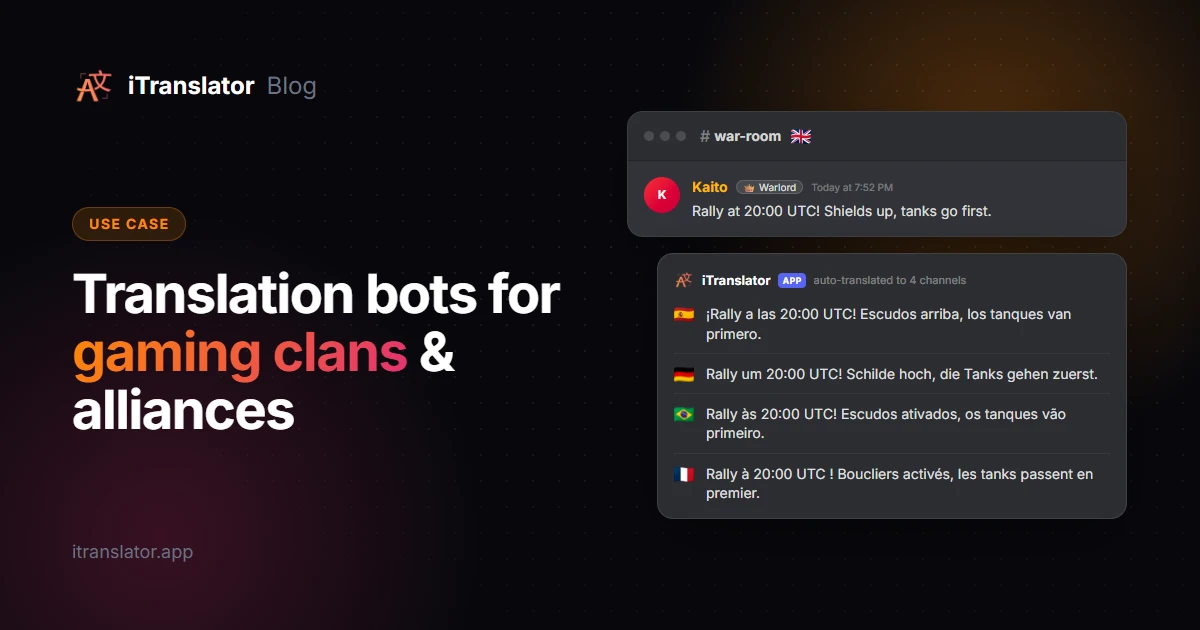
A translation bot lets an international clan or alliance coordinate in one Discord server, whatever language each player speaks. With iTranslator, every announcement in your war-room channel is auto-translated into each language your members speak, squad chat is translated right under each message, and game terms can be kept intact. Nobody has to copy-paste into a translator in the middle of a fight.
Here's the setup that works for guilds, clans and alliances, channel by channel.
Why do international clans need a translation bot?
Server-based strategy games (the Rise of Kingdoms or Whiteout Survival kind) and MMOs (think Albion Online or Final Fantasy XIV) are built around groups that must coordinate: rallies, sieges, raids, territory wars. When an alliance brings together players who speak different languages, every call has to land with everyone, at the same time.
Without translation, the usual workarounds break down fast:
- English-only leadership works for fluent players and quietly leaves everyone else guessing.
- Bilingual officers relaying orders become a bottleneck, and they're asleep when their timezone ends.
- Copy-pasting into a translator is too slow when the rally starts in two minutes.
Discord is the natural home for this kind of coordination (Discord says over 90% of its users play games), but as of 2026 it has no built-in auto-translation for servers. A bot fills that gap.
The clan server blueprint
You don't need to translate everything. Match each channel to the translation method that fits how it's used:
| Channel | What it's for | iTranslator feature |
|---|---|---|
#war-room |
Rally times, war plans, rules | Auto-Translation into one channel per language |
#squad-1, #squad-2 |
Small groups coordinating live | Auto-Translation in the same channel |
#general |
Casual chat, memes, banter | Flag reactions |
| Anywhere | New recruits still learning the main language | Role-Translation |
All of it is configured from the iTranslator dashboard, without commands. For the general principles of structuring a multilingual server, see our multilingual Discord server setup guide.
How to set up a war-room channel that speaks every language
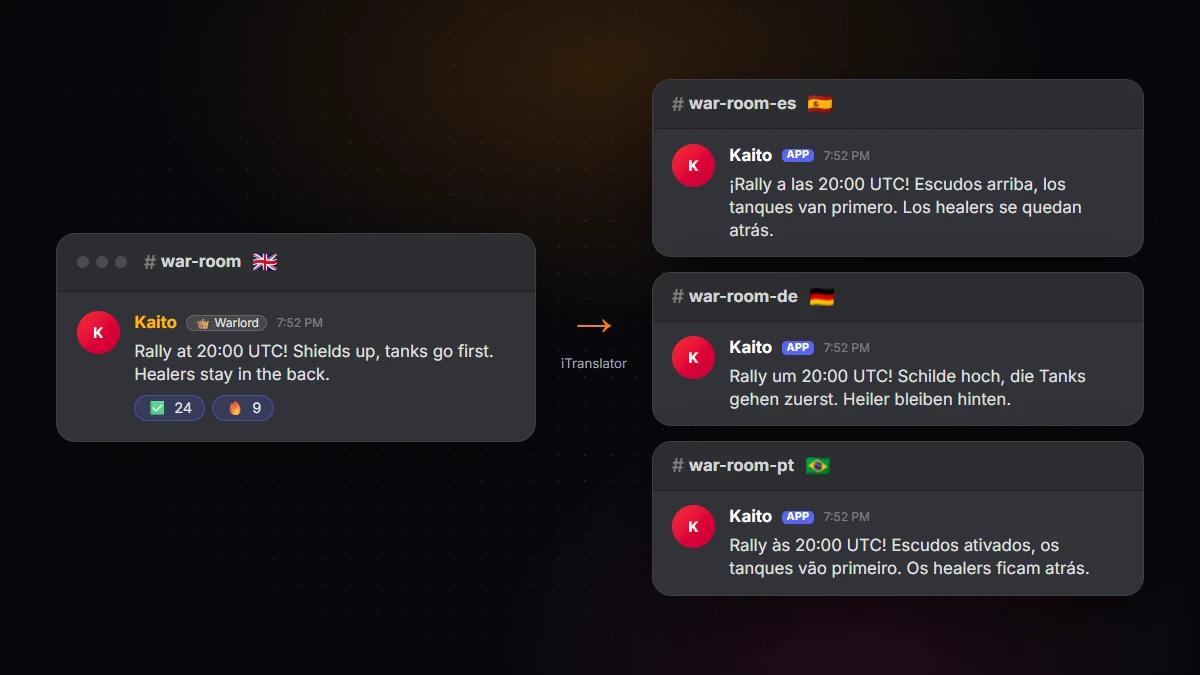
The war room is where missed information costs the most, so it's the first channel to translate. The idea: officers post in #war-room, and iTranslator reposts every message in #war-room-es, #war-room-de, #war-room-pt and so on.
- Add iTranslator to your server and keep the pre-selected permissions. You need the Manage Server permission.
- Create one channel per language for the translated announcements, and make them read-only for members if you like. The bot still needs View Channel, Send Messages, Manage Webhooks, Manage Messages and Embed Links in the source and every target channel.
- Open Auto-Translation in the dashboard and create a configuration: source
#war-room, target#war-room-es, language Spanish. Repeat for each language. The free plan includes up to 30 configurations and 30 languages. - Keep the Webhook message style (the default). Translations then show the officer's own name and avatar, so the Spanish channel reads as if the leader wrote in Spanish.
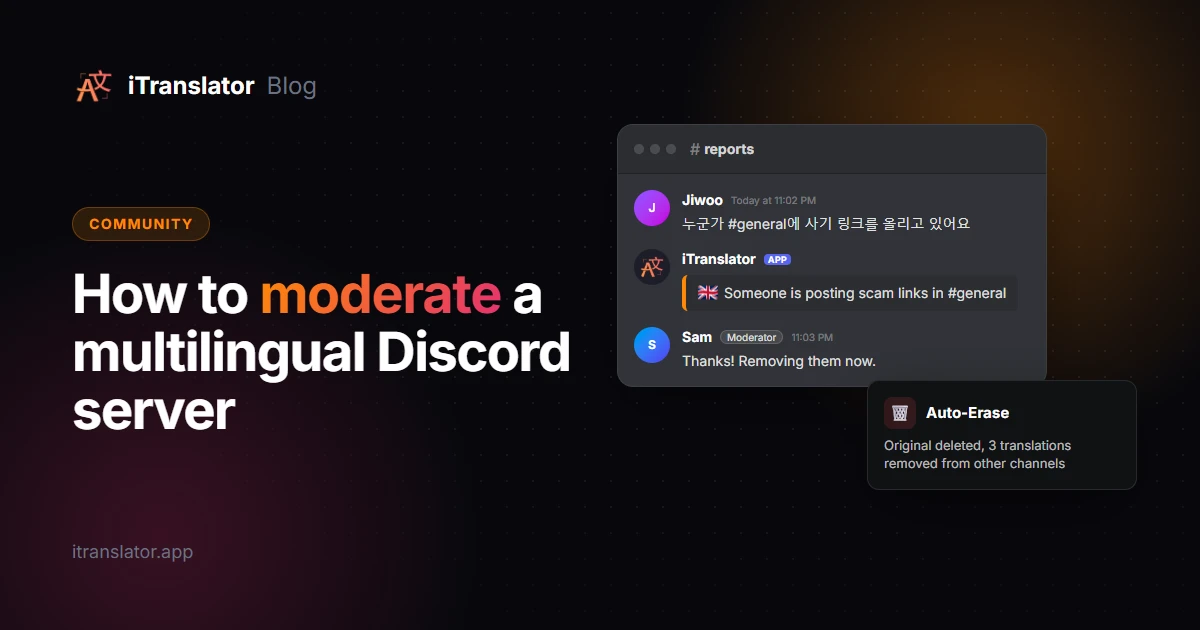
- Turn on Auto-Erase. If an officer deletes an announcement with the wrong rally time, its translations are deleted too.
On Premium, a single configuration can hold several target channels and languages (each language is sent to every target channel), and you can use whole categories: pick a source category, and every channel inside it is translated; with one target category, channels are paired by position. That's the quickest way to mirror an entire alliance section in another language. Premium also has Disable Mentions, which stops translated copies from pinging the members mentioned in the original, so one rally call means one ping.
For a deeper walkthrough of the options, read how to auto-translate a Discord channel.
Same-channel translation for small squads
Five players coordinating a push don't want to jump between channels. For squad and party channels, set the target channel to the same channel as the source: the translation is posted right under each original message.
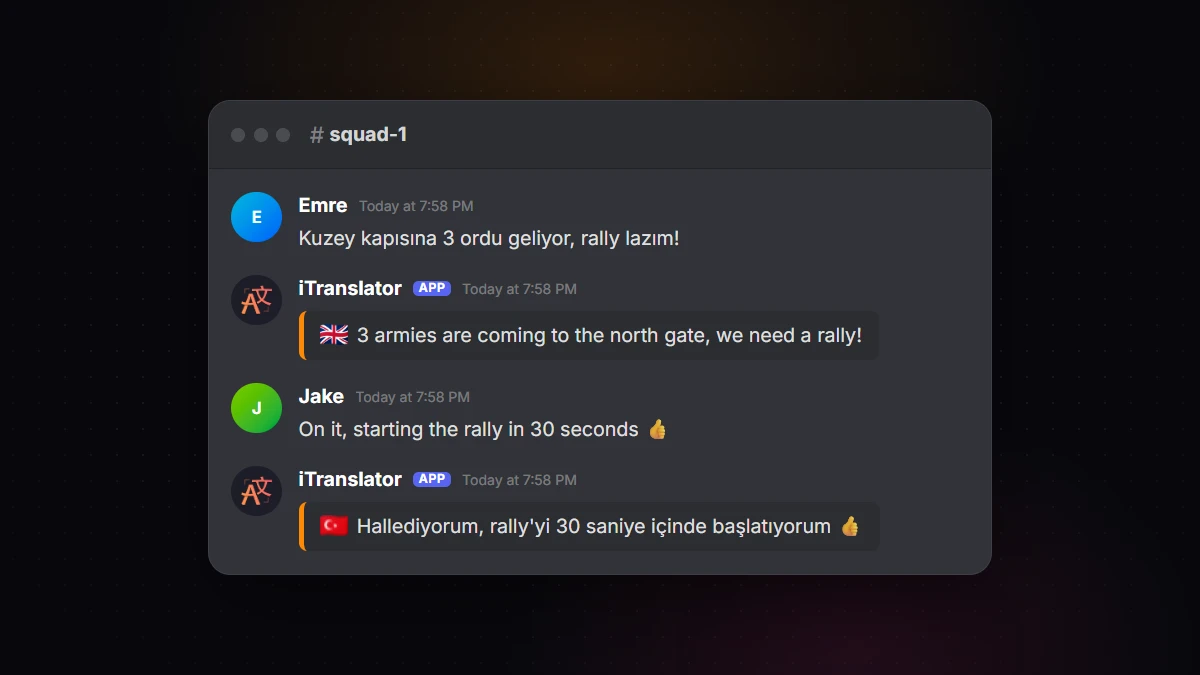
For a squad that mixes, say, Turkish and English speakers:
- Create a configuration from
#squad-1to#squad-1with English as the target language. - Create a second one, same channel, with Turkish as the target language.
- Enable "ignore if source is target" on both, so English messages don't get an English "translation" and vice versa.
If the channel gets busy, Auto-Disappear can delete translations after a set number of seconds, and "ignore emoji-only messages" keeps a burst of 🔥 from triggering translations.
Flag reactions for casual chat
Your #general channel is probably mostly in one language, with the occasional message someone can't read. Translating every message there would be noise. Flag reactions are the better fit: react to a message with a country flag, and iTranslator replies with the translation in that country's language.
Enable it once from the dashboard (Flag-Reaction) or with /flagreaction toggle. Set auto-disappear so translations clean themselves up, or on Premium, send them in DM or in a thread. To keep a channel out of it, add no-translate to its topic. Our guide to flag reaction translation covers the details.
Role-Translation for recruits
Recruits often join before they're comfortable in the alliance's main language. Instead of creating channels for them, give them a role like Recruit ES and create a Role-Translation configuration: everything members with that role write is translated automatically into the target language, wherever they post.
It's also a good fit for a handful of players who always write in their own language. The free plan includes 3 role configurations with one target language each. Channels can be excluded by adding no-roletranslate to their topic. More ideas in our guide to Discord language roles.
Keep game terms intact
Every game has its own vocabulary: rally, march, garrison, KvK, hero names, alliance tags. Translated literally, they turn into nonsense. Two tools help:
- Ignore words (Premium): wrap a word in
<angle brackets>and the Premium engine leaves it untranslated, so<KvK>or a one-word hero name doesn't get mangled. - Text-Replacement (every plan): a find-and-replace applied before the text is sent to the translation engine. Use it to expand clan shorthand so the engine understands it, like
RSSintoresources. Matching is case-sensitive and applies inside longer words too, so pick shorthand that can't appear within another word. The free plan includes 3 rules and Premium 100, enough for a full alliance glossary.
Conversation Mode for fast chatters
In the middle of a fight, nobody writes full sentences. You get "inc", then "3 marches", then "north gate", three messages in four seconds. Translated one at a time, those fragments lose their meaning.
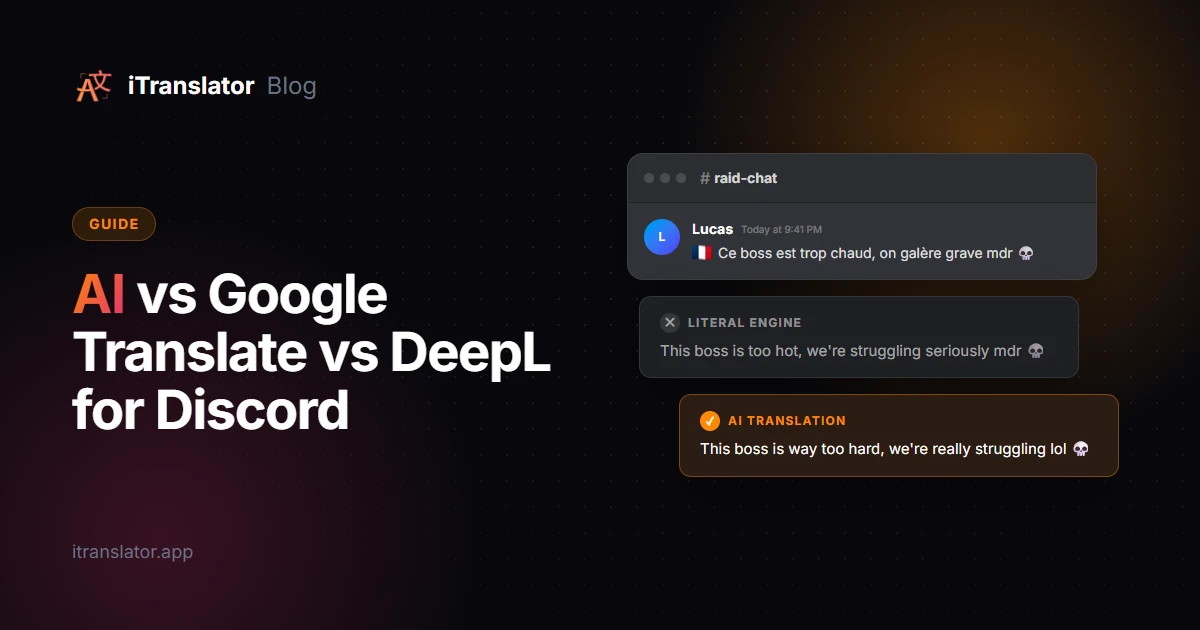
Conversation Mode, part of the Pro AI plan, waits a short delay you choose (0 to 10 seconds, 2 to 3 is suggested), groups a player's consecutive messages, and translates them together. Pro AI also translates with a large language model, which usually handles gaming slang and jargon better than classic machine translation. We compare the two in AI vs Google Translate vs DeepL for Discord chat.
Which plan does your clan need?
| Your clan | Plan | Why |
|---|---|---|
| Small group, casual chat, two or three languages | Free | Up to 30 auto-translate configurations; 10,000 characters per server, reset for free every 12 hours by voting |
| Active alliance with announcements in many languages | Premium, €9.99/month (€8.32/month yearly) | Unlimited characters, all 109+ languages, multiple targets per configuration, categories, Disable Mentions, 100 Text-Replacement rules, Auto-React |
| Competitive guild with fast, slang-heavy chat | Pro AI, €29.99/month (€24.99/month yearly) | Everything in Premium, plus AI translation and Conversation Mode |
Prices exclude VAT, and one subscription covers one server. On the free plan, any member can reset the character counter for everyone: run /checkvote, vote for the bot, and run /checkvote again. A vote can be cast every 12 hours. See all the details on the Premium page.
FAQ
Can a Discord bot translate alliance chat automatically?
Yes. With iTranslator's auto-translation, every message posted in a channel is translated and posted automatically, either in the same channel under the original or in a separate channel per language. Discord itself has no built-in auto-translation as of 2026.
How do I translate clan announcements into several languages?
Create one channel per language and an auto-translation configuration from your announcement channel to each of them. On Premium, you can also pair whole categories of channels by position, and on every plan the Webhook style makes translations appear under the author's name.
Will the bot translate hero names and game terms?
Only if you let it. On Premium, wrap a one-word name or term in <angle brackets> to keep it untranslated. On any plan, Text-Replacement rules can expand shorthand before translation so the engine understands it.
Does it work for players on mobile?
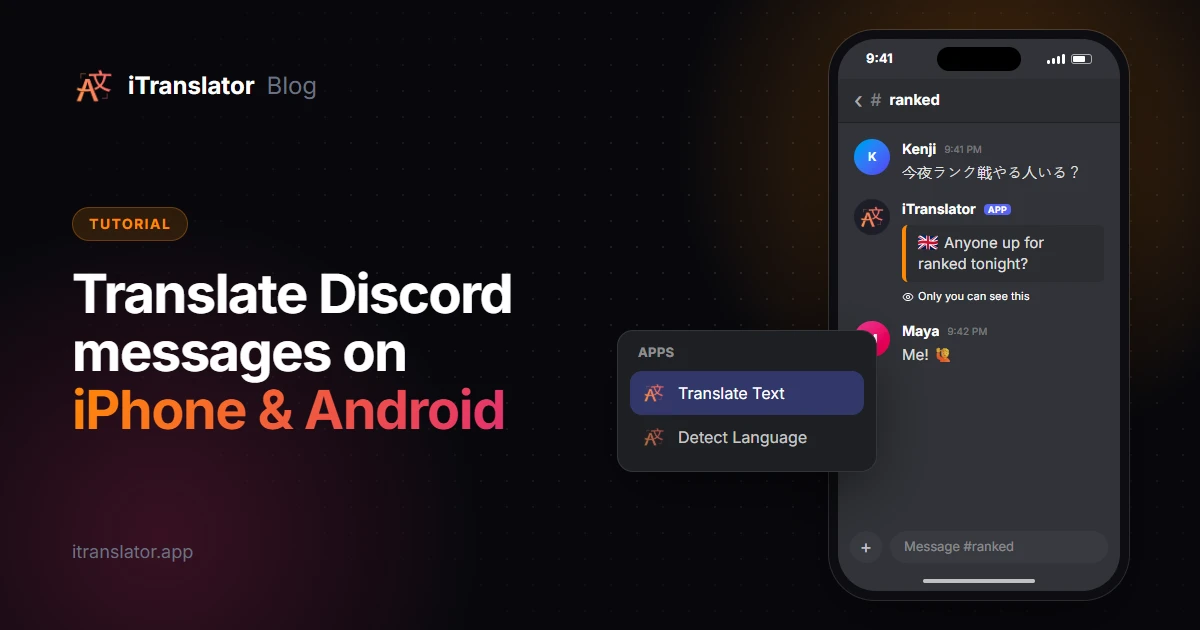
Yes. Translations are regular Discord messages, so they appear on every device. Mobile players can also long-press a message, tap Apps, then Translate Text to see a translation only they can read. More in our guide to translating Discord messages on mobile.
Is there a free translation bot for clans?
Yes. iTranslator's free plan includes auto-translation, flag reactions and role translation, with 10,000 characters per server that any member can reset for free every 12 hours by voting.
Break the language barrier on your server
iTranslator translates every message automatically in 109+ languages, so everyone can chat in their own language. Set up in 2 minutes.
Add to DiscordFree to start · No credit card required